WHAT HAPPENED
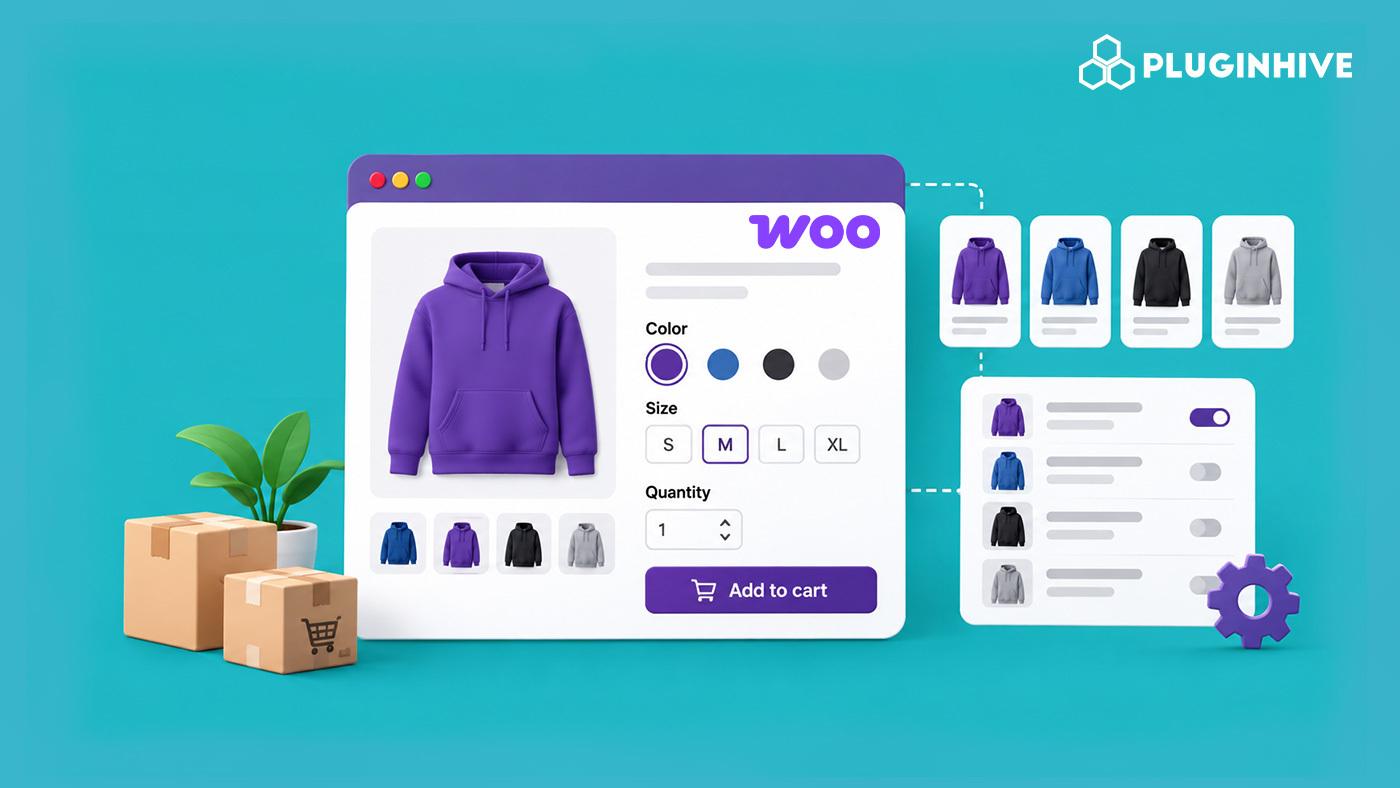
Whether you areselling t-shirtsin different sizes, smartphones with varying storage capacities, or furniture in multiple finishes, shoppers expect to pick the version that suits them. However, listing every size, colour, or finish as a separate product quickly clutters your catalogue and makes it harder for customers to find what they want. Knowing how to create a product variation in WooCommerce solves this by letting you present all these options neatly on a single product page. In this guide, we will walk you through setting up product variations, managing them effectively, and exploring when a dedicated WooCommerce Product Add-Ons plugin is a smarter choice for your business. Instead of creating a brand-new product listing for a “Small Red T-Shirt” and another for a “Large Blue T-Shirt,” variations let you group them under one parent product.
Continue reading from the original publisher for the complete report and source context.
READ ORIGINAL STORY