WHAT HAPPENED
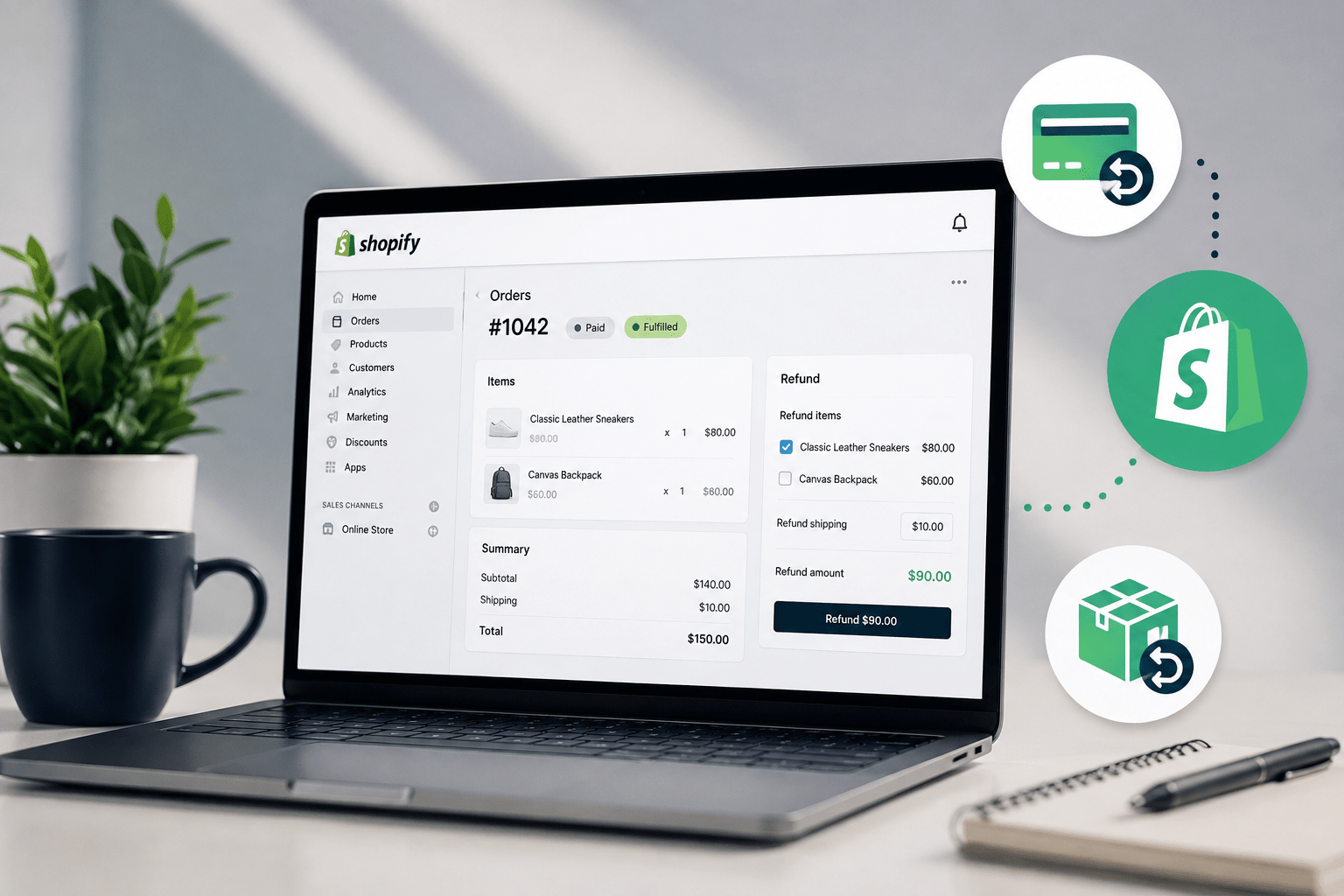
Shopify lets you issue afull or partial refunddirectly from the Orders section of your Shopify admin. Before issuing a refund, decide whether the customer needs to return the product, whether the item should be added back to inventory, and whether you want to refund shipping or other eligible charges. Shopify also lets eligible merchants refund customers to theoriginal payment method, store credit, or a combination of both. Boost Your Conversion Instantly with Nudgify:Turn your website visitors into customers with realIncrease Trust & Sales with Social Proof-time Social Proof and FOMO Nudges. Get Started Now→How to Refund an Order on ShopifyYou can issue a full or partial refund from the order page in your Shopify admin.
Continue reading from the original publisher for the complete report and source context.
READ ORIGINAL STORY