Big Internet Seller Services Inc provides e-commerce Services

Get your first Product Photoshoot for FREE! Learn More

John

Big_Internet_Ecommerce_Amazon_Listing_Content_Optimization_Services

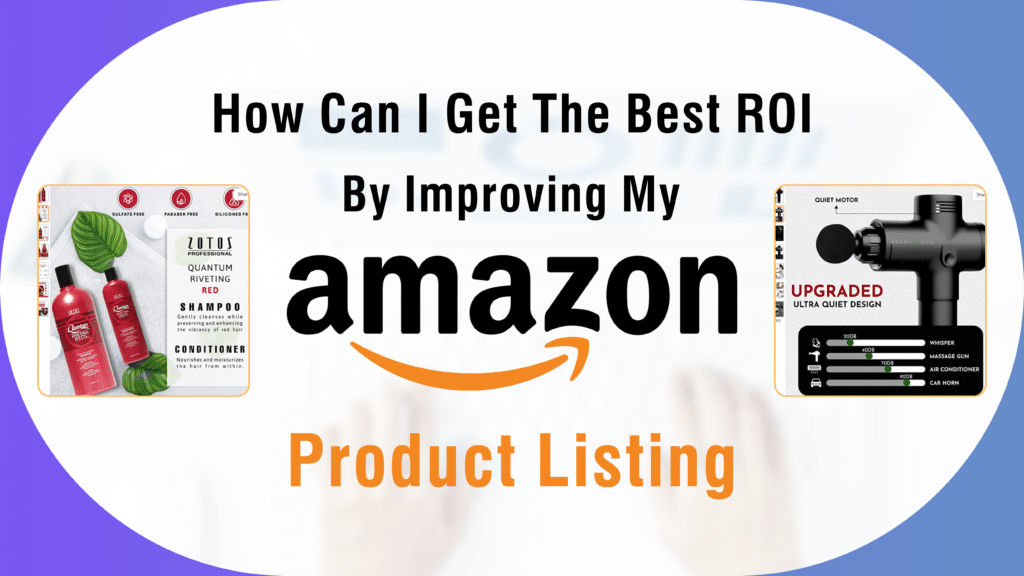
How Can I Get The Best ROI By Improving My Amazon Product Listing?

You can include information about your product, such as its category, brand, features and specs, pictures, and cost. Your customer can access all of these facts to assist them in buying your product. Customers’ knowledge of your goods is just as vital as selling them. Your product listing won’t help you make sales if it is not optimized. Every seller wants to use Amazon Product listing services to increase their product’s visibility and sales on the site. 5 Methods for Enhancing your Amazon Product Listing Make sure your listings are eye-catching, drive lots of traffic, and check to see that the relevant keywords are positioned where they should be. Write product descriptions that are compelling so that they draw customers and convert them into leads and sales. However, you should include relevant material and graphics with more customer-attractive elements when optimizing an Amazon product page. To help your buyer easily comprehend how your product works, highlight its features in bullet points and optimize your product listings. You must optimize the majority of your product listings to outperform the competition and be the best brand selling on Amazon. Engage your customers as they browse your product page with compelling information and a clear presentation, and optimize the page so that you can communicate with them directly. By turning prospective leads into closed sales, you not only increase client engagement but also your return on investment. Your customers anticipate what kind of deal or discount you will make on a product and what your competition will do. To offer your clients a competitive price, research how other companies are selling on Amazon before making any announcements about discounts for your products. You may easily run an email campaign that could assist you in generating leads by regularly checking in with clients to see how they are responding to your product. These initiatives generate real-time product reviews, cross-promote your other items with your existing ones, generate sales from return buyers, and more. To attract potential customers online, firms must now use Amazon product listing optimization services. You will experience a significant increase in sales and a maximized return on investment by following the above-mentioned Amazon product listing guidelines.

How Can I Get The Best ROI By Improving My Amazon Product Listing? Read More »
Big_Internet_Ecommerce_Amazon_Store_Management

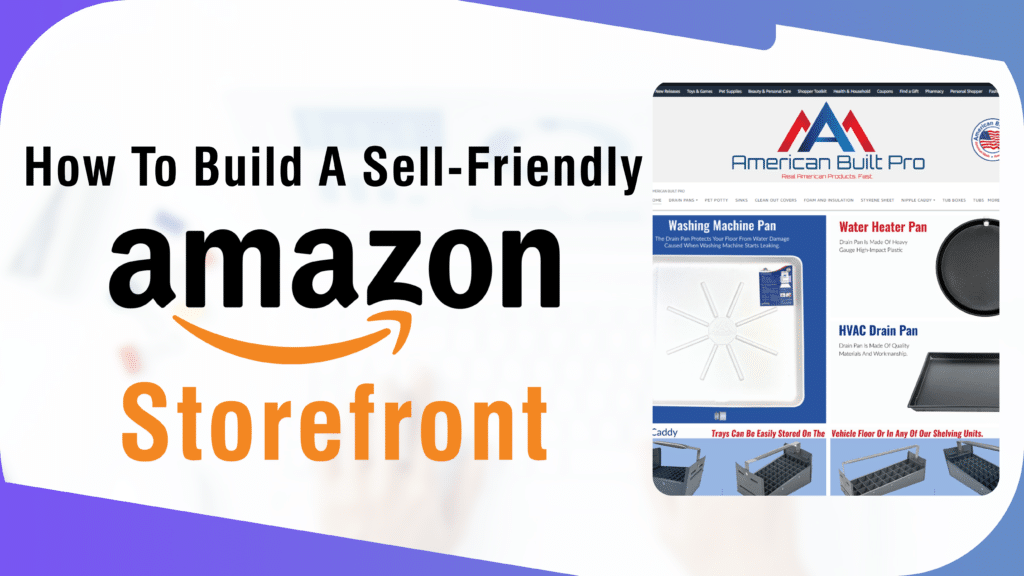
How to Build a Sell-Friendly Amazon Storefront

Storefronts, which are accessible to brand-registered merchants, let companies promote all of their products in one place, feature outstanding writing, photography, and graphics, and customize with distinctive branding and logos. You can draw customers in with an optimized Storefront and utilize it as a landing page for adverts. Steps for Setting Up an Amazon Store Amazon listing optimization is very important to attract potential customers. Given below are the steps on how to do Amazon listing optimization: Collect Your Branding Assets: Just like other product listings or brand assets on Amazon, your Storefront is an extension of your brand. It needs to have the same visual identity as any other branding assets that your business maintains, such as your own website and physical stores. With all of your brand materials in one location, your team can more effectively communicate your message and value to customers and establish a consistent, simplified identity across all platforms. Develop a storefront strategy: A storefront can be used to inform customers about the many items you offer, to provide more information and unique use cases for individual products, or simply to boost conversions by establishing a strong brand presence on Amazon. Create Creative Materials and Photos: Organizing all of your creative assets, product listings, unique graphics, and images, even embedded movies, and banners, is necessary when creating your storefront to support your brand presence. While authentically portraying the brand’s visual identity and message, the Storefront’s visual design must effectively communicate the pertinent content—and the intended action—to consumers. Invite comments and edits: Given how many brands rely on Amazon as a significant retail channel, there should be sufficient feedback on this initiative. Your storefront should be examined by your sales, marketing, operations, and even financial teams to make sure it is sending the proper message and is ready for success. Publish and Refine: Make your storefront public and begin attracting clients with paid advertisements and other methods. Track Store Insights, adjust, and modify your Storefront as required in light of consumer interactions, new trends, and the development of your business over time.

How to Build a Sell-Friendly Amazon Storefront Read More »

Big_Internet_Ecommerce_Amazon_Store_Management

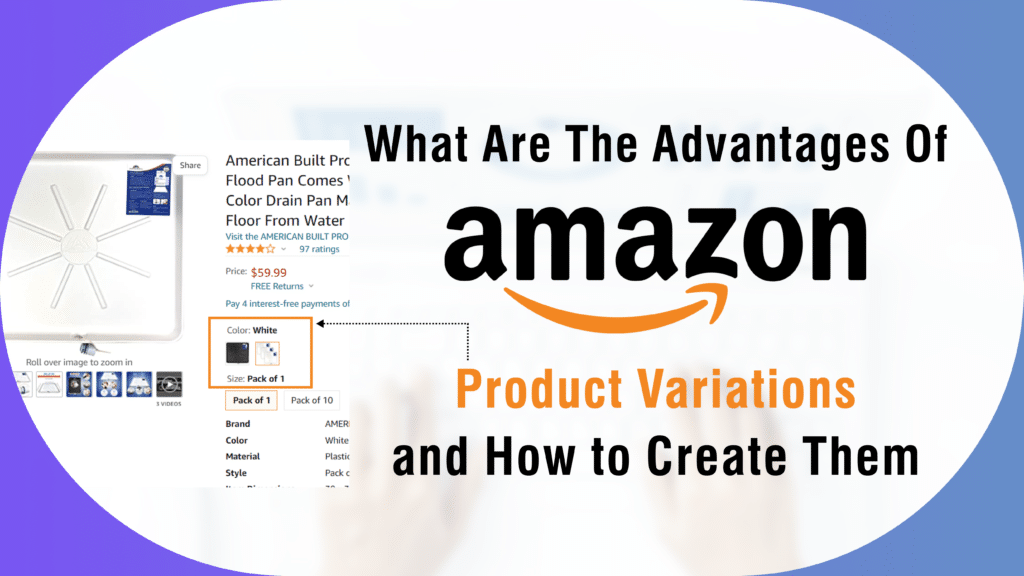
What Are the Advantages of Amazon Product Variations and How to Create Them?

Customer appeal should be your main priority when selling things on Amazon. But because every customer has different preferences, it’s important to design your products to appeal to a variety of customers. Amazon product variations come into play in this situation. You can place a group of related products on the same product page with a variation if they come in different colors, styles, or sizes. These variations demonstrate to customers how they might alter the product, contrast similar goods, or even upsell them to a superior model. Advantages of Amazon Product Variations Variating your products is one approach to make them more noticeable if you have some that have fallen far down in the search results. The length of time you can maintain a customer’s attention increases when you list a variety of products. Utilizing variants increases the likelihood that a consumer will convert to your listing by allowing them to stay on the page longer. Your listings’ success with the Amazon search algorithm, the growth of customer reviews, and your overall marketplace presence are all improved when you increase exposure with variations and raise conversions. Ways to Create Variations to Drive External Traffic to Amazon Listing Through the Variation Wizard, registered Amazon merchants can create variations. The processes for building a new parent-child variant family are listed below. Keep in mind that you should confirm that the goods you add are related to the same parent SKU. Visit the Variation Wizard and then download the appropriate template for your category. The tab labeled “Valid Values” has a list of themes. Unfortunately, you are unable to create a variation for that category if you don’t see any variation themes. You must make your parent item and each child item once you’ve decided on a theme. Be careful to include precise information about the variant theme in the product specifications in case you wish to revisit it in the future. Brands can edit, add, or remove variations at any time depending on new product launches and client demand. Size, color, or fragrance are the three main types of variation themes. You can maximize your sales and attract people to your listings by creating variations and by using appropriate Amazon product photography to project your product in the best manner. Visit the Big Internet Ecommerce website to gather more information and get the best professional assistance.

What Are the Advantages of Amazon Product Variations and How to Create Them? Read More »

Big_Internet_Ecommerce_Amazon_Images_Optimization

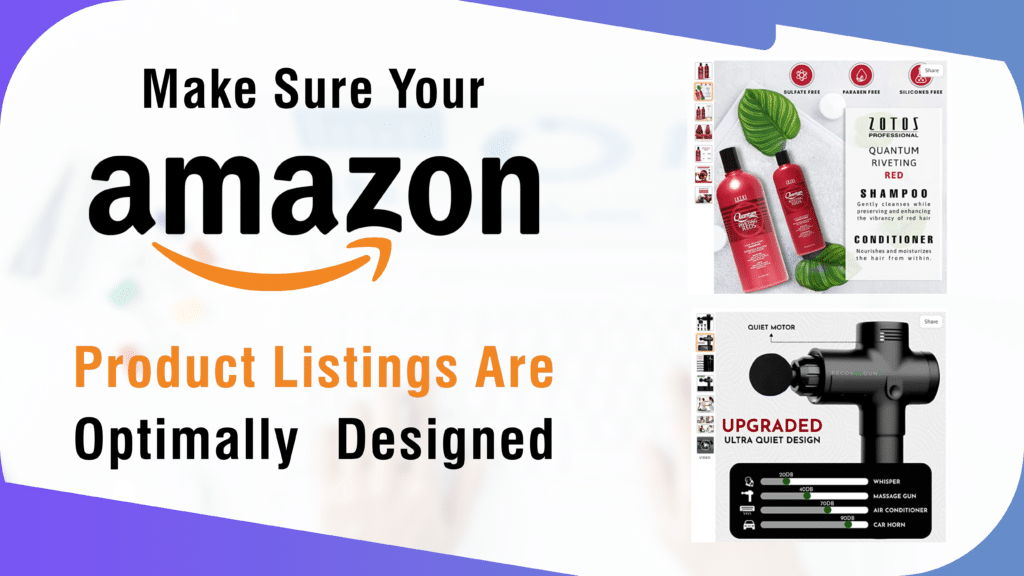
Make Sure Your Amazon Product Listings Are Optimally Designed

It is often asked, what is Amazon listing optimization? It is the process of deliberately taking efforts to raise the position of your product in the organic search results and improving its ranking for particular search queries known as “Amazon Listing Optimization.” You might take all the necessary steps to improve your keyword research, product description optimization, use of appropriate photos, and seller reputation on Amazon. You can convert that visitor into a paying customer if your product listing content provides a solution to the query and concentrates on pertinent keywords. Tips for Enhancing Product Listings to Draw in Targeted Customers Manufacturers and sellers of Amazon products frequently downplay the significance of a strong copy. However, one of the best strategies to enhance your Amazon listings is through content optimization. A customer’s first impression is influenced by everything on a listing page, including the product title, description, image, tags, bullets, specifications, and review answers. As a result, you should use them to promote your brand and goods. The goal of SEO, or search engine optimization, is to increase organic traffic to your Amazon store and product pages. The three pillars of Amazon SEO are user queries, keywords, and convenience. Make your Amazon listings more visible by including pertinent keywords. Users examine the photographs and videos before deciding whether or not to purchase a product. Correct Amazon photography is the greatest approach to offer such things and perfectly convey their attractiveness through visual depiction. To increase external traffic to Amazon listing, provide quality photos. Competitor analysis is an essential technique that will enable you to outsell your rivals on Amazon. Early on in your Amazon selling cycle, performing competitor analysis is usually a good practice that can increase your sales. Setting the proper price should come first, even though thorough competitor analysis can assist you in developing a long-term strategy for the research and development of your items. Your Amazon listings can now be promoted in a variety of new methods, so make sure you use them and remain on top of the trends. You will gradually see an increase in your product views as you make these modifications, and you will soon see your sales climbing quickly. To get the best expert assistance, visit Big Internet Ecommerce right away!

Make Sure Your Amazon Product Listings Are Optimally Designed Read More »

Big_Internet_Ecommerce_Amazon_Product_Photography

Amazon Product Photography Tips: How Can It Boost Your Sales?

The convenience of online shopping is its main selling point, but one experience that consumers are deprived of is the chance to hold and feel a thing before making a purchase. As a result, people rely largely on product photos to guide their purchasing decisions. This indicates that clients’ online purchasing habits are directly influenced by the product visuals. Simply said, it is crucial that you, as an online retailer, use high-quality photographs to showcase your products in the best light as it is the Amazon product photography that helps to bring external traffic to Amazon listing. Guidelines for Superior Amazon Product Photography Product photos should be clear and provide information about the item, such as its color, size, and material. Good product photos assist you to increase sales as well as your brand’s reputation and, over time, consumer loyalty. Some instructions on how to photograph products for Amazon are provided below: Ensure that your products are photographed with a high-resolution lens and a professional camera. The pictures must be clear and of high quality. Upon viewing, they ought to convey information about the product. The Amazon photography lighting shouldn’t be too harsh or too soft. A “main image” is the first image that appears on the search and product pages. Always make sure the product’s front is visible in the primary image. When uploading the photographs, make sure that all of your products have a white backdrop. The white background makes the product’s qualities stand out more. The size of the product in the image shouldn’t be either too big or too little. Both of these problems will result in a poor customer experience, which could then have an impact on your product rating. Therefore, it is wise to keep in mind the images’ aspect ratios. Always be open and honest with your customers. The buyer can become confused and disappointed if there are extra products in the photos when they purchase the item. Customers should only be shown what will be included in the shipping if they decide to purchase the product. To attract more customers and to drive external traffic to Amazon listing it is essential to use proper techniques to get the right product photos. Image editing for Amazon is another tool used to make sure that the photos are as per the set standards. To get professional assistance, visit the Big Internet Ecommerce website now!

Amazon Product Photography Tips: How Can It Boost Your Sales? Read More »

Big_Internet_Ecommerce_Amazon_Product_Photography

Making the Most of Your Amazon Photography

The images are a crucial part as it helps to drive external traffic to Amazon listing. Additionally, you must consider the context in which your product photos are viewed while optimizing them. Amazon product photographs not only appear on your main product page but also as thumbnails in search results. How to Improve Amazon Product Photos The authenticity and dependability of a brand’s items are crucial for them to display on Amazon. High-quality, well-lit, set, and intentional-looking photography will go a long way toward encouraging the Amazon buyer to feel confident in your product and eventually make a purchase if it is included in your listing. Observe the technical specifications for Amazon images You must adhere to the Amazon image guidelines and any associated technical specifications when creating new product pages or modifying existing listings this can be done by applying photo editing for Amazon. Even if you have the best product photographs, Amazon won’t approve your listings and images if you don’t. Set image priority on the product page One primary product image and up to eight additional slots are provided by Amazon, however, it is up to you to decide which images should be prioritized and displayed first. Instead of only using two or three photographs, it would be a good idea to fill all of the available spots. By doing this, you can solve a problem that every online shop encounters: you can’t get the product into the customer’s hands. Follow Amazon’s guidelines for high-quality photos In addition to being crucial for increasing clickthrough rates and conversion rates, using high-quality photos for the main and child SKU images comply with Amazon’s non-technical standards, Amazon photography lighting is another aspect which must be paid attention to. Other specifications for Amazon product photos are: Keep it basic, use real, high-quality photographs. Utilize various product images Utilize the seven photographs you can publish (one main photo and six others) to your advantage (and to help the customer make an informed decision). Give clients a thorough overview of the product(s) from all angles. You risk losing a potential buyer by not detailing all the features of the product. Following the tips mentioned above not only help to bring external traffic to Amazon listing but also image editing for Amazon helps to entice the customers which ultimately helps in increasing the sale. If you are looking to get the best professional help, then visit the Big Internet Ecommerce website right away.

Making the Most of Your Amazon Photography Read More »

Big_Internet_Ecommerce_Amazon_Images_Optimization

Best Methods for Image Enhancement to Increase the ROI from your Amazon Store

Your product image must receive special consideration in terms of how well it depicts your actual product. The SEO of your Amazon store and the perception of your brand will suffer if the image does not accurately represent your goods. You must be familiar with the essential Amazon image processing procedures if you want your product photographs to come up to your customer’s expectations. It will give you a competitive advantage and focus your thinking on a fruitful procedure. Some Important Features of Image Editing for Amazon The following are some prominent and frequently used Amazon picture editing techniques to take into account for products being sold on the Amazon marketplace: Image retouching It entails improving the image of your goods and fixing any minor defects. When it comes to photo editing for Amazon It is employed to make your product appear more modern and appealing. Background adjustment Your product image must have a white backdrop to be uploaded to Amazon. So make sure to have their existing backgrounds changed to white after you’ve taken and organized all of your product photos. Additionally, by removing the unwanted components from the image, you may make it look more natural while still making it attractive and faultless. Color rectification You must choose color correction if the colors in your product image are different from those in the actual product. It is the method that is most suitable for adjusting the color in all the right ways. To make the product photographs aesthetically appealing, eye-catching, and simple to understand, color modifications are crucial. Image masking Product masking can be used to remove extraneous characteristics and reflect your product completely. Without cropping the image, it can be utilized to hide portions of your product image that are unnecessary. Translucency, alpha channel, and transparency masking are all parts of the picture masking process. You may achieve the needed image size and dimensions with proper image cropping and scaling and effectively optimize Amazon product listings. Effective product image optimization will assist in increasing traffic and, subsequently, sales. These are some of the important features that help to drive external traffic to Amazon listing. Moreover, these features also prove helpful when questions like how to promote Amazon listing are asked. To get the best professional assistance head over to the Big Internet Ecommerce website now!

Best Methods for Image Enhancement to Increase the ROI from your Amazon Store Read More »

Big_Internet_Ecommerce_Shopify_Product_Listing_And_Optimization_Services

Most effective way to upload products on Shopify

For many business owners, opening a Shopify store is the first step toward success online. It is quick and simple to start making online sales using Shopify’s user-friendly website building environment. With templates, you can not only build a gorgeous brand image but also have access to a wealth of useful add-ons and plugins from the Shopify shop. How to Upload Products on Shopify effectively? According to your requirements, you can add or alter the product information. The methods that demonstrate how to add products on Shopify efficiently are shown below: Step 1: Go to the navigation bar on the left after logging into Shopify admin. Select “Products” from the menu in the bar. Select the option that says “All Products” from the list. Step 2: Simply click the “Add Product” button on the right top of the product page. Step 3: Enter the product’s title and any further information. You are now prepared to begin adding content to your product page. Details about your product will comprise items like: Product Title Description Product Type Vendor Step 4: On the right top, select the “Save” button. How to Add Products on Shopify POS  From the Products screen in the Shopify POS, you can add new products. Other sales channels won’t display the products you create here until you change the settings in Shopify. For Shopify POS items to be created, an internet connection is required. Click the + button and select Add product to add a new product here. You can enter information about the product, such as its price, title, and inventory status, in the add product window. Keep in mind that you must hit the picture option and choose an image from your files if you want to add a product image. The front-facing camera on your POS system can also be used at that time to take a picture of the product. Tap on Save product when you’re ready to make this one item available for checkout. As a result, the item will show up on the Shopify website’s products page as well as the POS’s checkout screen. As an admin with Shopify, you can open a product from the Products page and make changes or delete it. Direct product deletion or editing is not possible in Shopify. With the information mentioned above, you now know how to add products on Shopify POS as well as how to upload products on Shopify. To learn more about how this can be done visit the Big Internet Ecommerce website right away.

Most effective way to upload products on Shopify Read More »

Big_Internet_Ecommerce_Shopify_Product_Listing_And_Optimization_Services

Top 5 methods to make your Shopify listings more interactive

Getting your website in front of potential customers is the key to driving them to your Shopify store. Your e-commerce site traffic will increase the more exposure your website receives, whether it be through social media platforms or search engines. Shopify listings help you increase traffic for your online store. How to Make Shopify Listing more Interactive and Get More Traffic? Increasing the amount of traffic to your online store is essential for business expansion. If your website is adequately conversion-optimized, a surge in visitors could translate into more clients and sales. The adoption of Shopify listing templates can increase traffic. 5 methods to make Shopify listing more interactive and to get more traffic are: 1. Run paid social media advertising campaigns You may design highly targeted campaigns that provide unique advertisements to the customers most likely to click through and buy your products using paid social media marketing. 2. Utilize SEO to Make Your Store More Discoverable You want your store to appear among the top results for customers searching for your products online, especially as the first organic Google result receives one-third of all clicks. That coveted top spot is essential for driving consistent, targeted website traffic to your online store. The process of optimizing your website for search engines, also known as SEO, increases the likelihood that it will appear higher in search results for pertinent keywords. 3. Utilize Influencer Marketing to Reach New Audiences Building relationships with influencers is the practice of using influencer marketing to expose new audiences to your online store. Utilizing the trust that they have already built with their audiences, you can use influencer marketing to capitalize on the creativity and reach of relevant influencers in your industry. 4. Utilize Content Marketing to Attract Customers You may organically draw customers to your online store by producing engaging, informative, and fascinating content. There are several ways for your company to enter the world of content and draw in new customers, from podcasts and videos to guides and ebooks. 5. Encourage Excitement with Giveaways and Contests You can easily increase traffic to your store by offering enticing prizes in exchange for participants in viral contests, giveaways, and sweepstakes. Prizes and incentives are effective ways to entice both current and potential customers to visit your company. This can encourage potential buyers to look at the Shopify listing products. You may increase the number of people who view and engage with your Shopify listing by using the advice and techniques in this article. For the best expert assistance to increase traffic, go to Big Internet Ecommerce right away.

Top 5 methods to make your Shopify listings more interactive Read More »

Scroll to Top